


Introduction
Have you ever come across a beautiful logo, poster, website, or social media graphic and wondered, “What font is that?” If so, you’re not alone. Designers, bloggers, marketers, students, and business owners often need to identify fonts they discover online or in photographs. Fortunately, modern technology makes it easier than ever to find font from image without spending hours searching through thousands of typefaces.
Whether you found a stylish font on Instagram, captured a storefront sign with your phone, or downloaded an image containing attractive typography, several tools can analyze the text and suggest matching fonts within seconds. Many of these tools are free, simple to use, and surprisingly accurate.
In this guide, you’ll learn exactly how font recognition works, the best tools available, practical tips for improving accuracy, common mistakes to avoid, and what to do if an exact match isn’t available. By the end, you’ll know how to identify fonts quickly and confidently.
What Does “Find Font From Image” Mean?
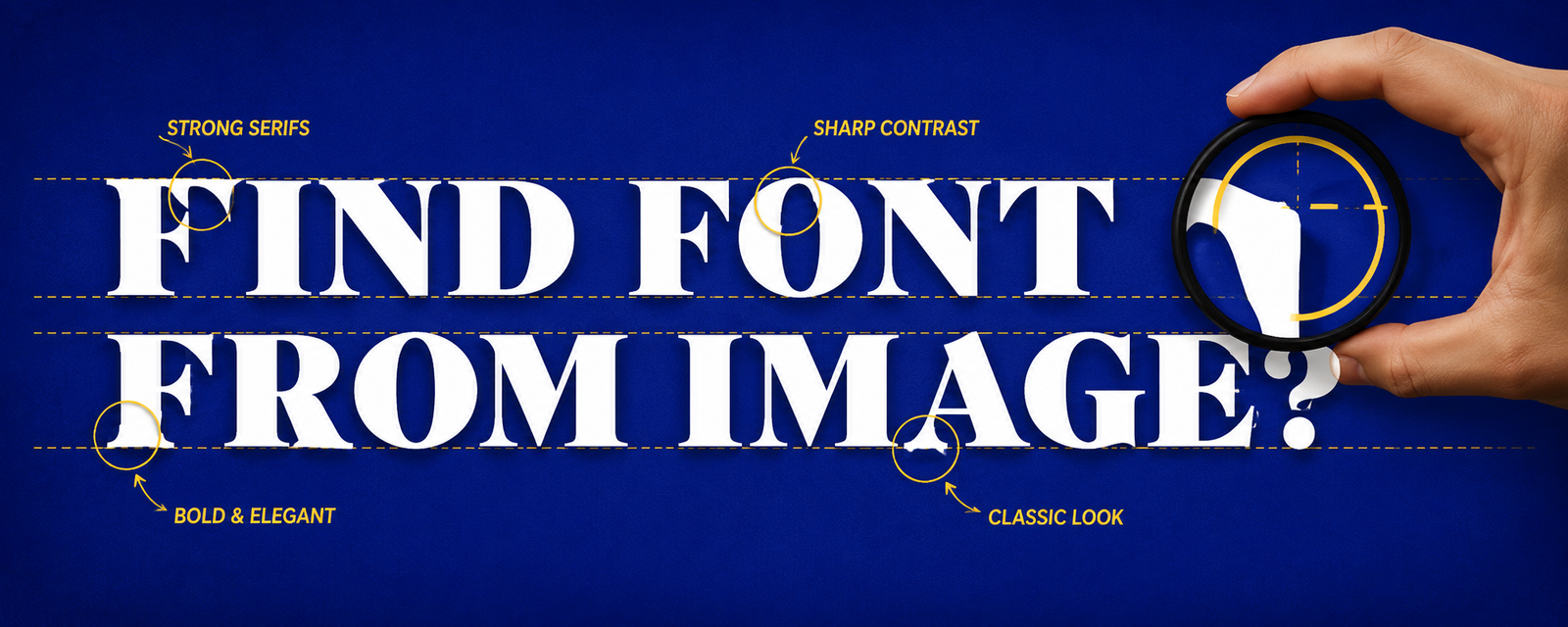
Finding a font from an image simply means uploading a picture that contains text and allowing software to analyze the lettering. The tool examines the shape, spacing, thickness, curves, and unique characteristics of each letter before comparing them against a massive font database.
Years ago, identifying fonts required experience and countless hours browsing font libraries. Today, artificial intelligence and machine learning have changed the process completely. Most modern font identification platforms can recognize hundreds of thousands of fonts within seconds.
This technology is especially useful for graphic designers recreating artwork, businesses maintaining brand consistency, content creators designing similar graphics, and anyone curious about a particular typeface they have discovered online.
Why People Need to Find Fonts From Images
One of the biggest reasons people identify fonts is for design inspiration. Instead of guessing which font was used, they can quickly discover a close or exact match and use it in their own projects.
Businesses also rely on font identification when recreating old marketing materials or updating logos. If the original design files are missing, recognizing the font saves both time and money.
Students, bloggers, YouTubers, and social media creators frequently encounter appealing typography while browsing the internet. Finding the font allows them to create visually consistent content without starting from scratch.
How Font Recognition Technology Works
Font recognition tools begin by detecting text within an uploaded image. They isolate each individual letter while removing unnecessary background details whenever possible.
Next, advanced algorithms analyze each character’s structure. They compare letter width, stroke thickness, serif style, spacing, curves, and angles against extensive font databases containing thousands of commercial and free typefaces.
Finally, the software ranks possible matches based on similarity. Sometimes it finds the exact font, while in other cases it recommends several nearly identical alternatives that look almost identical to the original.
Best Tools to Find Font From Image
Several excellent font recognition tools are available today, each offering unique features and impressive accuracy.
WhatTheFont is one of the most popular options. Developed by MyFonts, it uses artificial intelligence to identify fonts from uploaded images. The interface is beginner-friendly and works well with clean, high-quality images.
Font Squirrel Matcherator is another reliable choice. It specializes in identifying both commercial and free fonts, making it useful for designers looking for affordable alternatives.
Adobe Fonts also offers excellent typography resources. Although its recognition features are more integrated into Adobe’s ecosystem, users working with Photoshop or Illustrator can benefit from seamless font matching suggestions.
Tips for Better Font Recognition Results
Image quality plays the biggest role in successful font identification. Blurry, pixelated, or low-resolution images make it difficult for recognition software to analyze letter shapes accurately.
Whenever possible, crop the image so only the text remains. Removing unnecessary backgrounds helps the software focus entirely on the lettering instead of surrounding objects.
Use images where the text appears straight rather than tilted. Excessive perspective distortion, shadows, or overlapping graphics can reduce recognition accuracy significantly.
Common Challenges When Identifying Fonts
Not every font can be identified perfectly. Some designers create completely custom lettering specifically for branding purposes. These fonts exist nowhere in public databases.
Decorative effects can also interfere with recognition. Shadows, outlines, gradients, texture overlays, and artistic distortions may hide important letter characteristics needed for accurate analysis.
Low-quality screenshots are another common issue. Compression artifacts and blurry edges prevent software from detecting the precise details required for reliable matching.
What to Do If the Exact Font Isn’t Found
Sometimes a font recognition tool cannot identify an exact match. That doesn’t necessarily mean the search has failed.
Most identification platforms provide several similar fonts ranked by appearance. In many cases, these alternatives are visually identical to the average viewer and work perfectly for design projects.
You can also compare suggested fonts manually by examining distinctive letters like “R,” “G,” “Q,” “a,” and “g.” Small differences often reveal which recommendation most closely resembles the original.
Free vs Premium Fonts
Many people assume every attractive font requires purchasing a license. In reality, thousands of high-quality fonts are available for free.
Free fonts work well for personal projects, blogs, educational materials, and sometimes even commercial use, depending on their license. Always review licensing terms before using a font in business branding.
Premium fonts generally provide larger character sets, multiple font weights, better kerning, professional support, and broader licensing options. Designers working on commercial projects often prefer premium typefaces for their quality and versatility.
Mistakes to Avoid
One common mistake is uploading screenshots where the text is too small. Tiny letters provide insufficient detail for recognition software.
Another mistake is expecting perfect results from stylized logos. Many famous brands modify existing fonts or create entirely custom lettering that cannot be identified automatically.
Finally, avoid relying on only one recognition tool. Different databases contain different fonts, so trying multiple platforms often produces better results.
Benefits of Using Font Identification Tools
Font recognition tools save an incredible amount of time. Instead of manually searching through thousands of fonts, users receive possible matches almost instantly.
They also improve design consistency. Businesses can maintain visual branding, while designers can recreate layouts using matching typography without unnecessary guesswork.
Perhaps the greatest benefit is accessibility. Even complete beginners can identify fonts today without professional typography knowledge thanks to AI-powered recognition technology.
Conclusion
Learning how to find font from image is one of the most valuable skills for anyone working with digital design, branding, marketing, or content creation. Modern AI-powered tools have transformed what was once a frustrating process into something that takes only a few seconds.
For the best results, always upload clear, high-resolution images, crop unnecessary backgrounds, and compare multiple suggested fonts if an exact match isn’t available. Remember that custom-designed fonts may not exist in public databases, but similar alternatives often provide nearly identical visual results.
Whether you’re recreating a logo, designing social media graphics, building a website, or simply satisfying your curiosity, font recognition tools make discovering beautiful typography easier than ever. With the right approach and a little patience, you’ll be able to identify almost any font you encounter and use it confidently in your future creative projects.
You May Also Read: Christmas App Icons


