


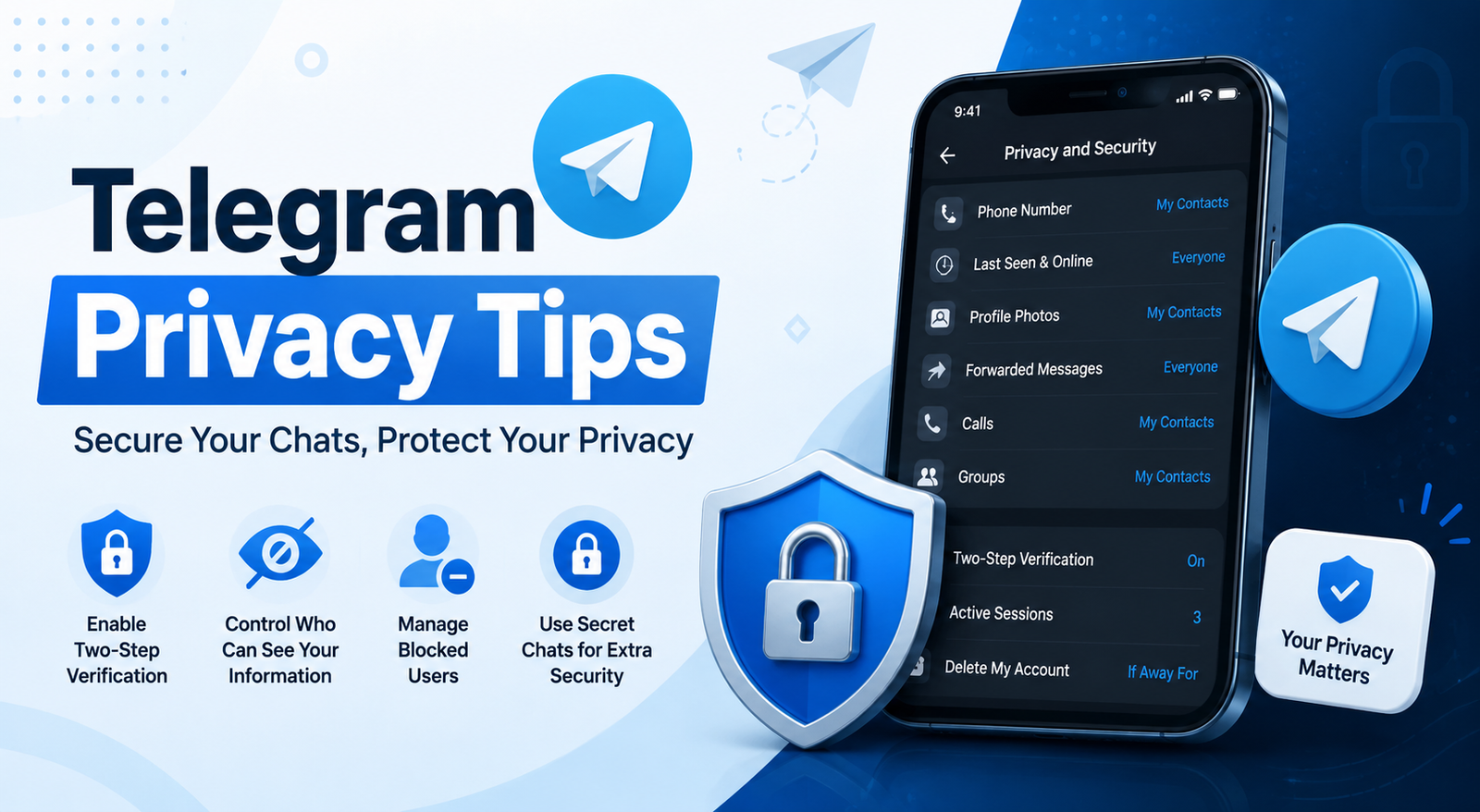
Telegram is one of the world’s most popular messaging apps, attracting millions of users thanks to its speed, cloud-based features, and cross-platform support. Whether you use it for personal chats, work, or managing communities, protecting your privacy should always be a priority.
While Telegram Privacy Tips offers several built-in security tools, many users never adjust the default settings. As a result, they may unintentionally expose their phone number, online status, profile information, or even become targets for scammers.
In this guide, you’ll discover the best Telegram privacy tips to help secure your account, control who can contact you, and enjoy a safer messaging experience. These practical tips are easy to follow and suitable for both beginners and experienced users.
Why Telegram Privacy Matters
Telegram Privacy Tips stores a large amount of personal information, including your contacts, conversations, shared files, and account details. Although the platform provides numerous privacy features, they’re only effective if you know how to use them.
Privacy isn’t only about hiding information. It’s also about deciding who can contact you, view your profile, add you to groups, and access your personal data. Taking a few minutes to review your settings can significantly reduce unwanted attention.
Cybercriminals constantly look for easy targets. Fake giveaways, phishing messages, impersonation scams, and spam groups are becoming increasingly common. Strengthening your privacy settings makes these attacks much less effective.
Shared Chats vs Secret Chats
Not every Telegram Privacy Tips conversation offers the same level of privacy. Understanding the difference helps you choose the right option.
| Feature | Regular Chat | Secret Chat |
| Cloud Backup | Yes | No |
| End-to-End Encryption | No | Yes |
| Self-Destruct Timer | No | Yes |
| Screenshot Protection | Limited | Available on supported devices |
| Multi-Device Access | Yes | No |
For highly sensitive conversations, always use Secret Chats, which include end-to-end encryption and additional privacy protections.
1. Hide Your Phone Number
Your phone number is one of your most valuable pieces of personal information. Fortunately, Telegram Privacy Tips lets you control who can see it.
Navigate to Settings → Privacy and Security → Phone Number.
Choose:
- Nobody if you want maximum privacy.
- My Contacts if only saved contacts should see it.
You can also create exceptions for trusted individuals if needed.
2. Limit Who Can See Your Last Seen & Online Status
Many users don’t realize their online activity can reveal daily routines.
Go to Privacy and Security → Last Seen & Online.
You can choose:
- Everybody
- My Contacts
- Nobody
For additional flexibility, Telegram Privacy Tips allows exceptions, meaning specific people can always or never see your online status.
3. Enable Two-Step Verification
One of the most important Telegram Privacy Tips privacy tips is enabling Two-Step Verification.
Without it, someone who gains access to your SMS verification code may log into your account.
To activate it:
- Open Settings
- Tap Privacy and Security
- Select Two-Step Verification
- Create a strong password
- Add a recovery email
This extra security layer greatly reduces unauthorized access.
4. Lock Telegram with a Passcode
Even if someone unlocks your phone, they shouldn’t automatically access your Telegram Privacy Tips messages.
Telegram Privacy Tips includes a built-in App Lock feature.
You can:
- Create a passcode
- Enable Face ID or Fingerprint
- Automatically lock after inactivity
This is especially useful if you frequently leave your phone unattended.
5. Review Active Sessions Regularly
Many users forget that Telegram Privacy Tips supports multiple devices.
Visit:
Settings → Devices
Here you’ll see every logged-in device.
If you notice:
- an unfamiliar phone
- unknown computer
- old device you no longer use
Simply tap Terminate Session.
Checking this list every few weeks is good security practice.
6. Control Who Can Add You to Groups
Being randomly added to spam groups is a common annoyance.
Fortunately, Telegram Privacy Tips lets you control this.
Go to:
Privacy and Security → Groups & Channels
Set it to:
- My Contacts
- Nobody (with exceptions)
This helps prevent unwanted invitations and scam communities.
7. Hide Your Profile Photo
Your profile picture can reveal more information than you think.
Telegram Privacy Tips allows visibility settings for profile photos.
Choose:
- Everyone
- My Contacts
- Nobody
If you still want strangers to recognize you professionally, you can even add a public profile photo while keeping your personal one private.
8. Disable People Finding You by Phone Number
If someone already has your phone number, they may be able to locate your Telegram Privacy Tips account.
Within Phone Number settings, review:
Who can find me by my number?
Restrict this whenever possible to improve privacy.
9. Use Strong, Unique Passwords
Although Telegram Privacy Tips mainly relies on phone verification, your Two-Step Verification password should be completely unique.
Avoid passwords like:
- 12345678
- password
- your birthday
- your pet’s name
Instead, create a long password using:
- uppercase letters
- lowercase letters
- numbers
- symbols
A password manager can help generate and store secure passwords.
10. Be Careful with Public Groups
Large public groups are useful for discussions, but they also expose your profile to many strangers.
Before joining:
- Check group rules.
- Review member count.
- Verify administrators.
- Avoid sharing personal details.
If you’re discussing sensitive topics, consider using a secondary username instead of exposing your identity.
11. Turn Off Contact Sync If Needed
Telegram can automatically sync your phone contacts.
If privacy is your priority, you may prefer disabling this feature.
Navigate to:
Settings → Privacy and Security
Disable contact syncing if you don’t want Telegram continuously uploading your contacts.
12. Create a Username Instead of Sharing Your Number
One of Telegram’s best features is usernames.
Instead of giving someone your phone number, simply share:
@YourUsername
This allows people to contact you without learning your personal number.
It’s particularly useful for:
- freelancers
- business owners
- creators
- community managers
13. Watch Out for Telegram Scams
Scammers are becoming increasingly sophisticated.
Common scams include:
Fake Giveaways
They promise expensive prizes in exchange for personal information.
Fake Investment Groups
They advertise unrealistic returns and pressure users to send money quickly.
Fake Telegram Support
Telegram employees will never message you asking for passwords or verification codes.
If something feels suspicious, report the account immediately.
14. Keep Telegram Updated
Every software update may include:
- security improvements
- privacy enhancements
- bug fixes
- protection against newly discovered vulnerabilities
Enable automatic updates through your device’s app store so you always have the latest protections.
15. Review Your Privacy Settings Every Few Months
Privacy isn’t something you configure once and forget.
Telegram regularly introduces new features and settings.
Take five minutes every few months to review:
- Phone Number visibility
- Active Sessions
- Blocked Users
- Two-Step Verification
- Group Permissions
- Profile Photo visibility
Regular maintenance keeps your account secure over time.
Common Privacy Mistakes to Avoid
Many Telegram users accidentally weaken their privacy without realizing it.
Avoid these common mistakes:
- Using the same password everywhere
- Ignoring unknown login notifications
- Leaving old devices logged in
- Sharing verification codes
- Joining suspicious public groups
- Clicking unknown links
- Accepting messages from fake accounts
Simple habits can prevent many security problems.
Frequently Asked Questions
1. Is Telegram private by default?
Telegram includes strong privacy features, but many settings must be adjusted manually. Reviewing your privacy options is recommended for better protection.
2. Are Secret Chats safer than regular chats?
Yes. Secret Chats use end-to-end encryption, support self-destruct timers, and are stored only on the participating devices.
3. Can people see my phone number on Telegram?
Only if your privacy settings allow it. You can hide your number from everyone or restrict visibility to your contacts.
4. What should I do if I think someone accessed my Telegram account?
Immediately terminate unknown active sessions, enable Two-Step Verification, and change your verification password if it’s already enabled.
5. Is Telegram safe for business communication?
Telegram can be a good option for business communication when combined with strong privacy settings, Two-Step Verification, secure passwords, and careful handling of sensitive information.
Conclusion
Following these Telegram privacy tips can dramatically improve the security of your account without making the app harder to use. Small changes—such as hiding your phone number, enabling Two-Step Verification, reviewing active sessions, and using Secret Chats for confidential conversations—can go a long way toward protecting your personal information.
Privacy isn’t a one-time task. Make it a habit to review your Telegram settings, stay alert to scams, and keep the app updated. By taking these simple but effective steps, you can enjoy everything Telegram has to offer while keeping your conversations and personal data far more secure.
Ready to improve your Telegram security? Open your Telegram settings today, apply these privacy tips, and encourage your friends and family to do the same for a safer messaging experience.
You May Also Read: Remove Image Background Free


